
Efficient iPhone Charging Port Cleaning: A DIY Tech Repair Tutorial
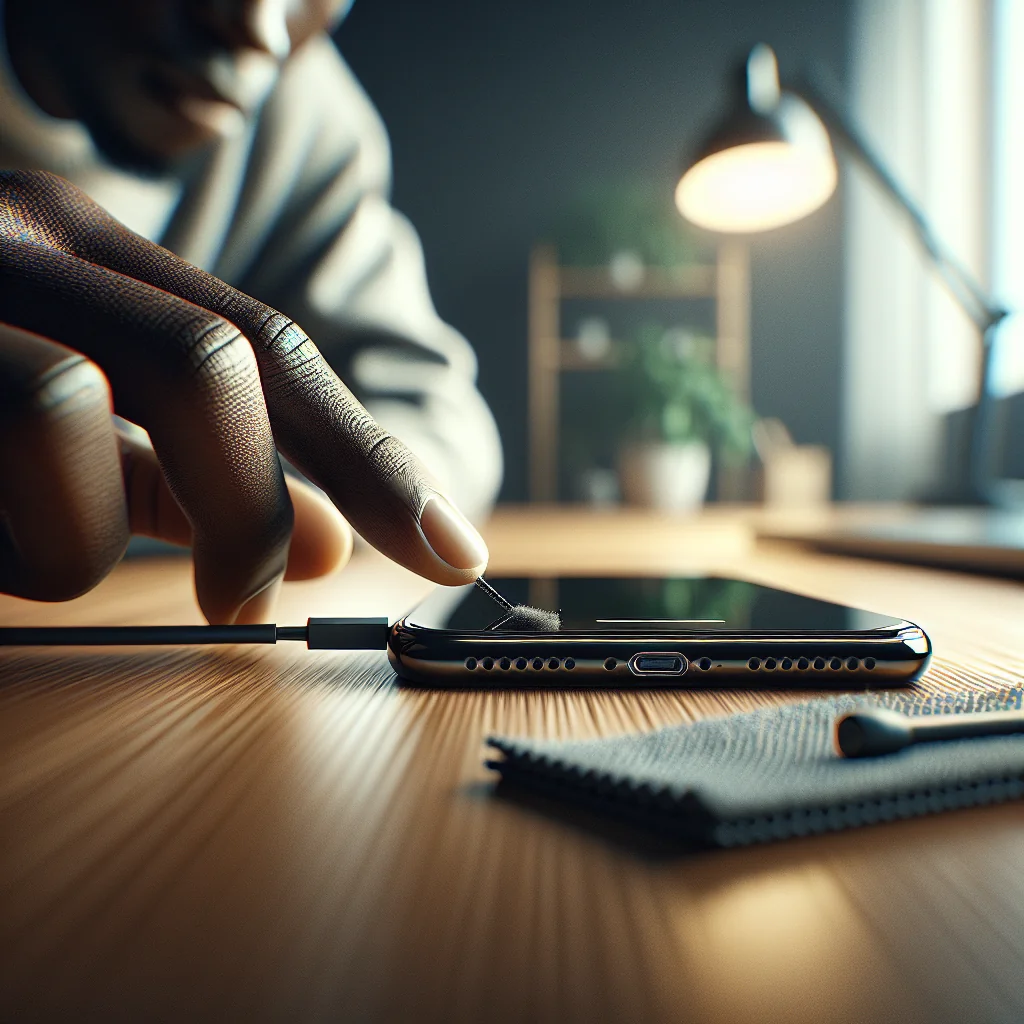
Dust and pocket lint in your iPhone charging port can cause slow charging, loose cable connections, or “Accessory not supported” errors. Efficient iPhone charging port cleaning is a simple DIY tech repair that can restore normal charging without a trip to a repair shop, as long as you work carefully and safely.
This step-by-step tutorial explains how to clean an iPhone charging port properly, which tools to use, what to avoid, and how to know when you should stop DIY work and seek professional repair instead.
Confirming the Charging Port Is the Real Problem
Before you touch the port, make sure the issue is not your cable, charger, or power source. A quick check can save time and prevent unnecessary poking inside the port.
Try a known-good Apple or certified cable and charger, and plug into a different outlet or USB port. If your iPhone still charges only at certain angles, disconnects easily, or fails to charge, debris in the port is a likely cause.
Simple checks before any port cleaning
If the phone has been exposed to liquid or shows visible damage around the port, cleaning may not fix the problem. In that case, be extra cautious with DIY repair and be ready to stop if anything looks wrong or feels loose.
Tools and Materials for Safe iPhone Port Cleaning
Using the right tools is the key to efficient iPhone charging port cleaning. Avoid anything metal or sharp that could scratch contacts or short the port.
- Wooden or plastic toothpick (flat style is best)
- Soft brush (small paintbrush, clean makeup brush, or anti-static brush)
- Compressed air (optional, used gently and at an angle)
- Strong light source (flashlight or phone flashlight from another device)
- Magnifying glass (optional but helpful)
Do not use metal pins, paper clips, needles, cotton swabs, or liquids like alcohol or water in the port. These can damage the internal pins, leave fibers behind, or cause short circuits and corrosion inside your iPhone.
Blueprint: Efficient iPhone Charging Port Cleaning Process
This section gives you a clear blueprint for efficient iPhone charging port cleaning. Follow each phase in order, and work slowly so you do not damage the delicate contacts inside the port.
Overview of the cleaning phases
The full process has four main phases: preparation, gentle debris removal, final cleaning touches, and testing. The table below compares each phase so you can see the goal and main tools at a glance.
iPhone charging port cleaning blueprint by phase
| Phase | Main Goal | Key Tools | Time Needed |
|---|---|---|---|
| Preparation | Stay safe and confirm the port is the issue | Known-good cable, charger, light source | 2–5 minutes |
| Debris Loosening | Lift compacted lint and dust from the port | Wooden/plastic toothpick, magnifying glass | 5–10 minutes |
| Final Cleaning | Clear loose dust without pushing it deeper | Soft brush, optional compressed air | 2–5 minutes |
| Testing | Verify strong, stable charging after cleaning | Clean charging cable and charger | 2–3 minutes |
Use this blueprint as your reference while you work. In the next section, you will follow each step in detail so you can clean the port efficiently and reduce the risk of damage.
Step-by-Step Guide: Efficient iPhone Charging Port Cleaning
Follow these steps slowly. The goal is to lift and pull out lint and dust, not scrape the port walls or bend the pins inside.
- Power off your iPhone completely. Hold the power and volume button (or side button, depending on your model) and slide to power off. This reduces the risk of shorting anything while you work.
- Inspect the charging port under good light. Use a flashlight and, if possible, a magnifying glass. Look for compacted lint, dust, or any obvious obstruction. This helps you see where to focus your cleaning.
- Shape your cleaning tool. Take a wooden or plastic toothpick and, if needed, gently trim or sand the tip so it is flat and slightly rounded. A flatter tip is less likely to poke into the delicate pins at the bottom of the port.
- Gently loosen debris from one side of the port. Insert the toothpick very shallowly along one side of the port wall, not straight down. Use tiny, light scraping motions to lift lint. Think of “scooping” rather than digging. Stop if you feel resistance.
- Repeat on the other side and center area. Move to the opposite side of the port and then the center area, always keeping the tool against the walls, not pressing into the bottom. Remove the toothpick often to wipe away debris.
- Brush out loose dust. Use a soft, clean brush to sweep across the port opening. Brush in short strokes, angled downward so dust falls out instead of going deeper into the phone.
- Optional: Use compressed air carefully. If you use compressed air, hold the can upright to avoid spraying liquid. Give one or two short bursts at an angle, not directly straight into the port. Keep the nozzle a few centimeters away.
- Re-inspect and repeat lightly if needed. Check the port again with your light. If you still see lint, repeat the gentle scraping and brushing. Do not keep scraping once you no longer see debris; overworking the port can cause damage.
- Test charging with a clean cable. Power the iPhone back on and plug in a known-good cable. The connector should click in firmly, with little wobble, and charging should start quickly without error messages.
If the phone now charges normally and the cable feels secure, the cleaning was successful. If the problem remains, the issue may be with the cable, charger, or internal hardware rather than simple debris in the port.
What to Avoid: Common Port Cleaning Mistakes
Many DIY tech repair attempts fail because of one simple mistake: using the wrong tool or too much force. A charging port is small but fragile, especially the contact pins at the bottom.
Risky methods that can damage your iPhone
Do not use metal objects such as safety pins, needles, or paper clips. Metal can scratch contacts or create a short if the phone is powered. Also skip cotton swabs, as cotton fibers can snag inside and add more blockage.
Never pour or spray liquids, including alcohol, water, or cleaning sprays, into the port. Even small amounts can get trapped, cause corrosion over time, or damage seals. If the phone has liquid damage, that is a different repair issue and should be handled separately from routine port cleaning.
Knowing When to Stop DIY and Seek Repair
Efficient iPhone charging port cleaning solves many charging problems, but not all. Some symptoms point to deeper hardware issues that need professional tools and experience.
Warning signs of deeper hardware issues
Stop cleaning and consider repair if you notice any of these:
- The cable will not click in firmly even after debris removal.
- The port looks cracked, bent, or melted under light.
- You see green or white corrosion inside the port.
- The iPhone charges only when you press hard or bend the cable sharply.
- The phone shows no charging sign with multiple known-good cables and chargers.
These problems can involve a worn charging port assembly, damaged solder joints, or board-level faults. Continued scraping or poking will not fix those and may make them worse, so stop before further damage occurs.
Keeping the Charging Port Clean for Longer
Once you have cleaned the port, a few habits can help prevent the same problem from returning quickly. Prevention is part of efficient iPhone charging port cleaning because it reduces how often you need to repeat the process.
Simple habits to reduce future buildup
Keep your phone in a pocket or bag that is free of loose lint, dust, and crumbs. A dedicated pocket or a simple case can make a big difference. Avoid putting your phone face-up in dusty workspaces where debris can fall into the port.
Unplug the charging cable by gripping the plastic or metal connector, not the cord. Pulling by the cord can loosen the port over time, making even a clean port feel loose. If you work in a very dusty or dirty environment, consider a case with a port cover to limit debris buildup.
How Port Cleaning Builds DIY Tech Repair Skills
Learning how to clean an iPhone charging port is a great first step into DIY tech repair. The same careful, tool-aware mindset applies to jobs like cleaning a laptop fan, fixing sticky keyboard keys, or basic laptop repair such as replacing a battery or upgrading storage.
From small fixes to more advanced repairs
Phone repairs such as iPhone 13 screen replacement, iPhone 14 Pro Max screen replacement, iPhone 15 Pro Max screen replacement, or iPhone XR screen replacement all demand the same patience and respect for delicate parts that you practice while cleaning a port. Cleaning a port may seem minor, but it builds confidence for more complex fixes.
The same DIY approach carries over to other home and tech tasks: washing machine repair, refrigerator repair, fixing a running toilet, solving printer jam issues, fixing mouse double clicking, or tightening loose glasses. Each repair starts with understanding the problem, using the right tools, and working slowly instead of forcing things.
Expanding Your DIY Skills Beyond Phone Ports
Once you are comfortable with small, precise work like efficient iPhone charging port cleaning, you can apply that mindset to many everyday fixes. For example, patching jeans or washing a wool sweater without shrinking it both reward careful, step-by-step work.
Applying the same mindset in other areas
On the tech side, tasks like Nintendo Switch battery replacement, using crosh commands on a Chromebook, or deeper laptop repair all follow the same pattern: diagnose, prepare tools, follow a clear process, and avoid shortcuts that risk damage.
Even simple knowledge topics, such as understanding what a billing address is and why it matters for online purchases, fit into the same DIY philosophy: learn the basics, so you can solve problems yourself instead of relying on guesswork.
Quick Recap: Efficient iPhone Charging Port Cleaning
To clean an iPhone charging port efficiently, confirm the port is the issue, gather safe tools, power the phone off, and work gently along the port walls with a non-metal tool. Brush and, if needed, lightly air-blast debris out, then test with a clean cable.
Key takeaways for safe, efficient cleaning
Avoid metal tools, liquids, and heavy force. If the port shows damage or cleaning does not restore stable charging, stop DIY work and consider professional repair. With this simple tutorial and blueprint, you can fix many charging problems yourself and build skills for bigger DIY tech repair projects.